How to Receive Android SMS on Your Computer
Sun Jul 29, 2018
 Sun Jul 29, 2018
Sometimes, you might want to receive SMS (short messages) from your Android phone on your Mac.

To receive Android SMS on your Mac, use androidmessages.
The process is super simple:
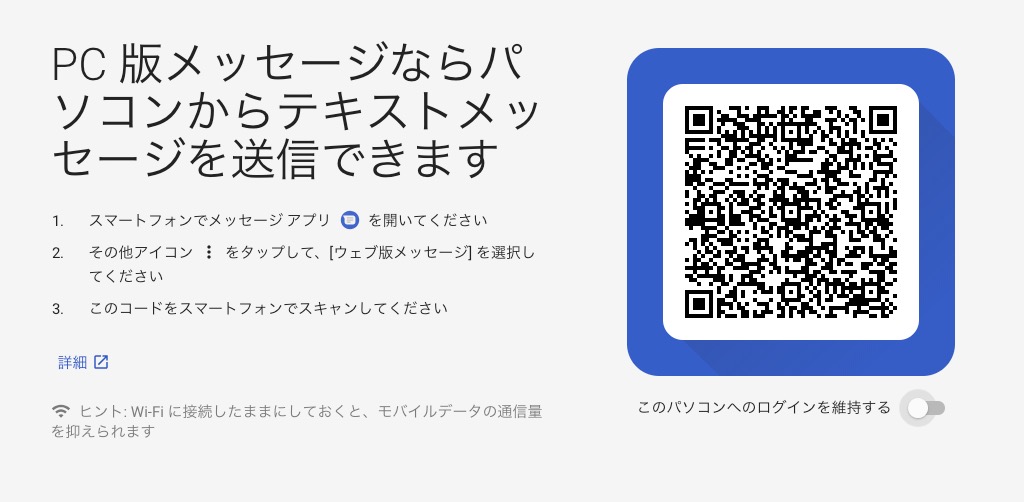
- Open the Messages app on your smartphone.
- Tap the “More” icon and select “Messages for web.”
- Scan the QR code displayed on the website.
That’s it!
Once set up, you can receive messages as shown below:
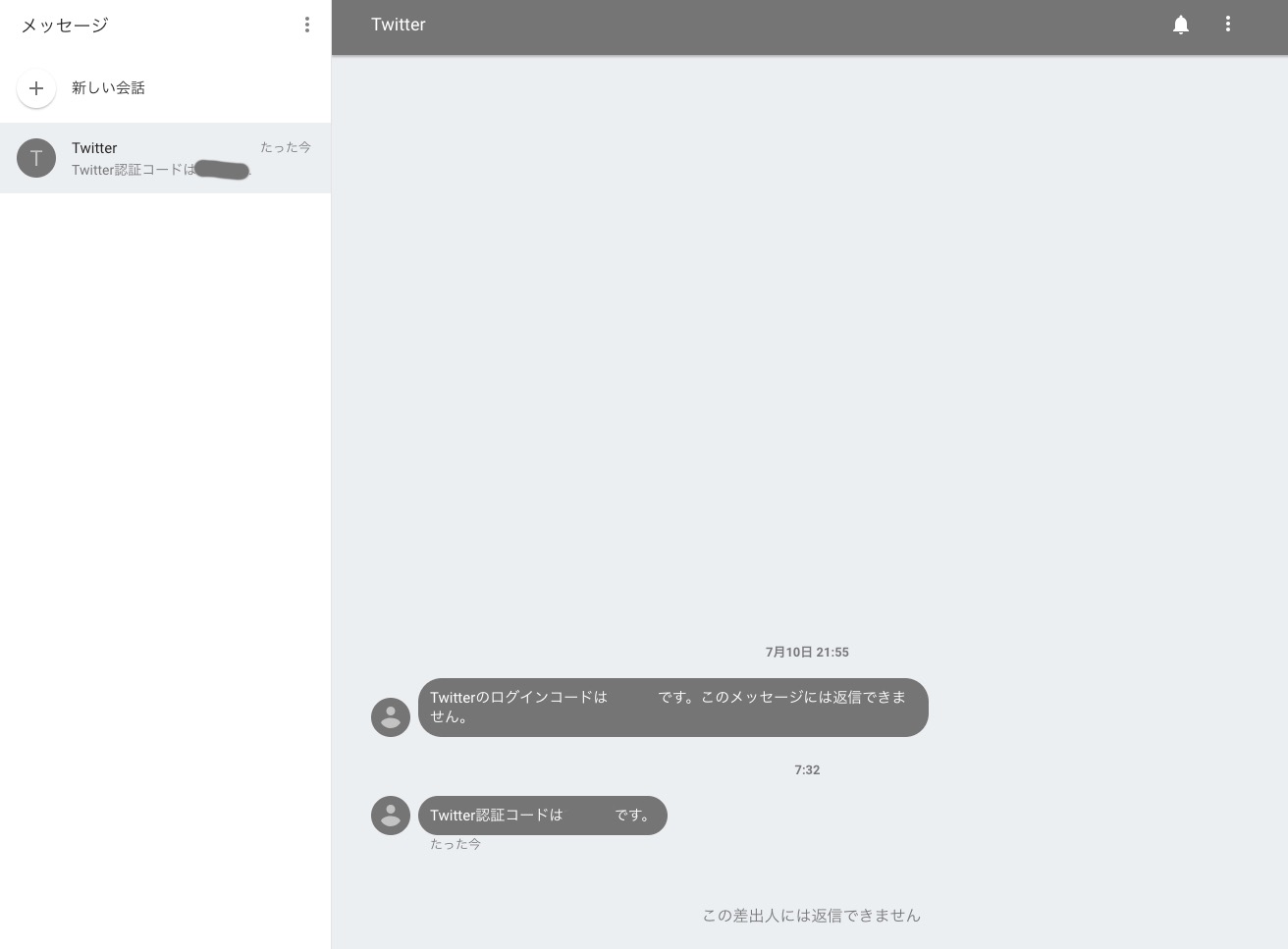
As long as you stay logged in, you don’t even need to open your smartphone. It’s very convenient.
While it’s slightly slower than Mac’s native Messages app, the delay is only a few seconds, so it’s not a big issue.
Being able to copy and paste two-factor authentication codes is definitely handy.
Tags
Android
See Also

