SendGrid: What to Check When Emails Aren't Being Sent Despite No Errors
 Mon Apr 22, 2019
I completed the SendGrid setup following the Rails tutorial, but emails weren’t being sent and there were no errors shown.
I checked the SendGrid official site but couldn’t find a solution.
Wondering why, I discovered that my account had been suspended.
There was a warning on the dashboard, but the screen was cut off and I didn’t notice it at all. It looks like this, with the text cut off. If you search for Your account has been suspended. Please contact Support to regain access., you’ll find it immediately.

At this point, the only option is to contact support.
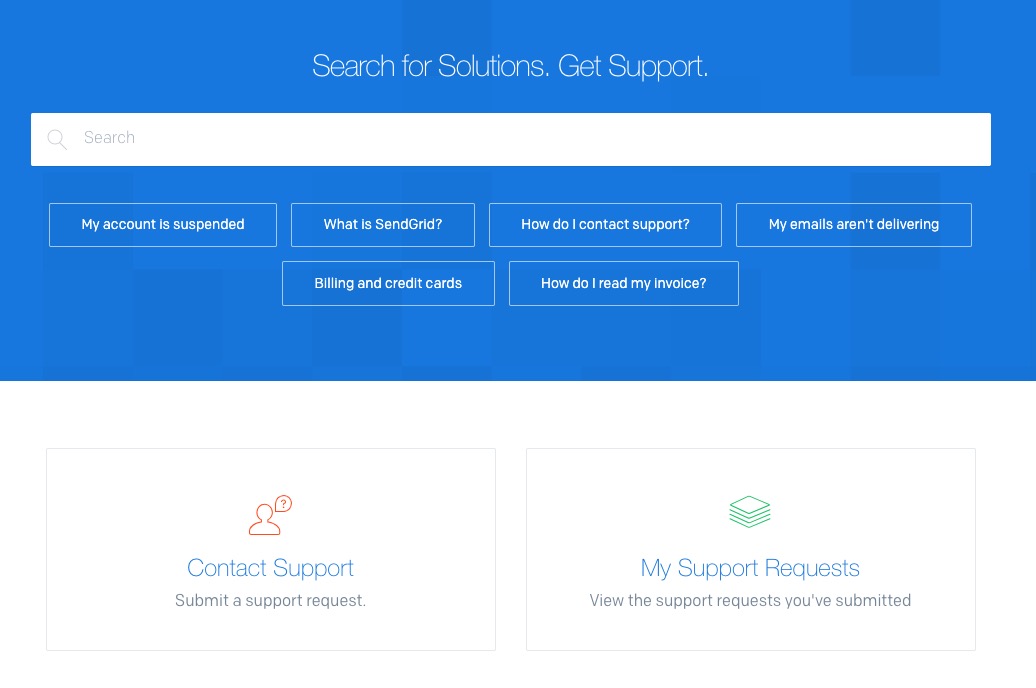
The screen is cut off, but click on contact support.

Next, click on Contact Support.
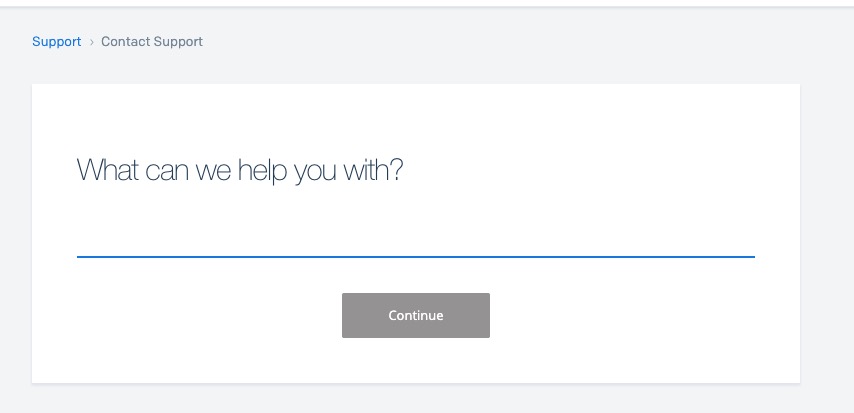
You’ll be asked about the nature of your inquiry, so answer it. In English, of course. Then click continue.
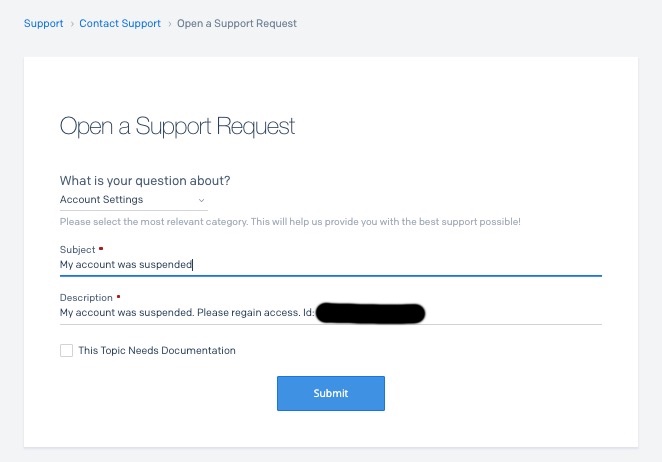
My account was suspended. Please regain access. Id: email address
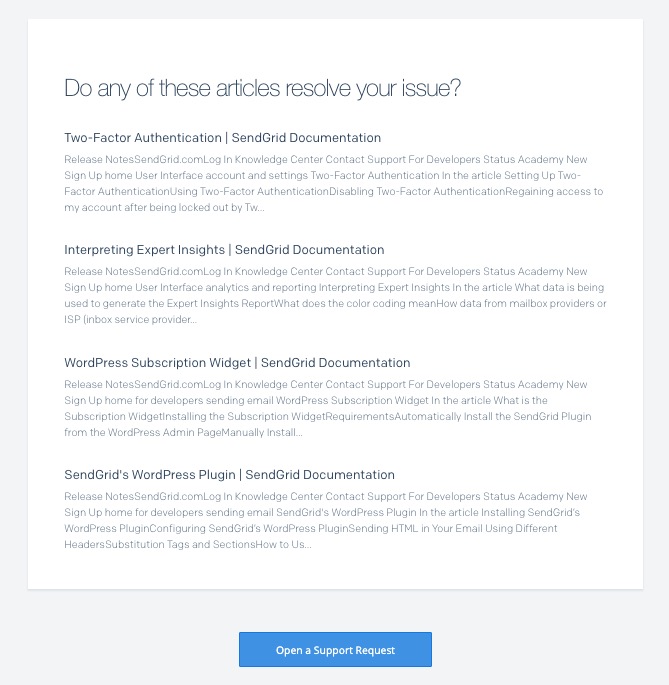
After clicking continue, scroll down and click Open a support request.
Your inquiry should be displayed, and all you need to do is fill in the other fields.
After a while, you should receive a notification that your account suspension has been lifted.

